
Extract with confidence
Read manhole labels, levels, pipe geometry and connections directly from your drawing, with manual mapping when project annotations differ.

The infrastructure software platform
One growing platform for focused infrastructure tools—turning repetitive production work into clear, dependable engineering workflows.
 ROADS · WET UTILITIES · DRY UTILITIES
Product 01
Gravity EngineA production engine for gravity sewer networks inside Autodesk Civil 3D.
Move from unstructured drawing annotations to buildable, reviewable Civil 3D networks through one deliberate workflow. Extract, clean, build, connect and validate—without leaving your local environment.
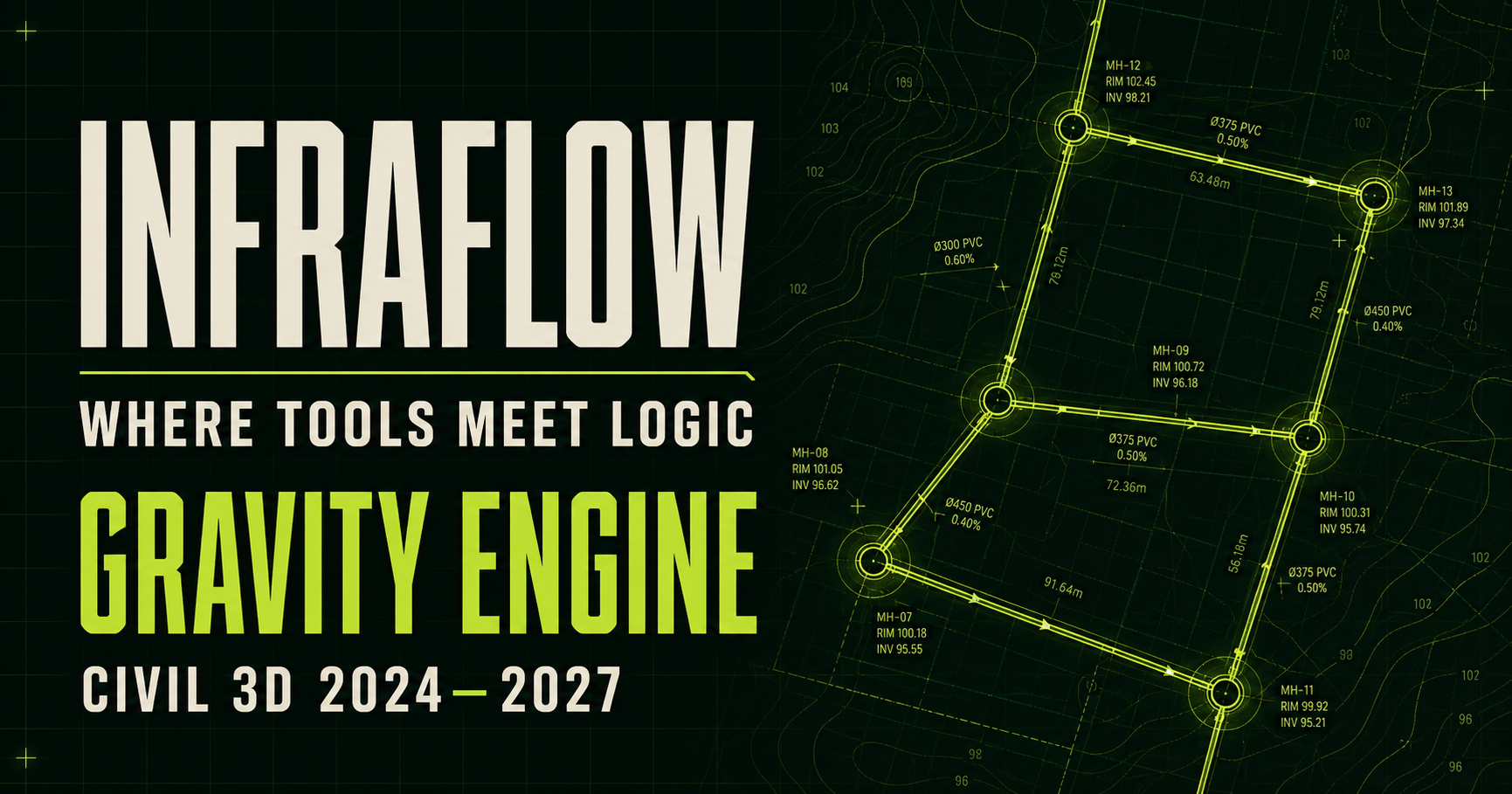
Read manhole labels, levels, pipe geometry and connections directly from your drawing, with manual mapping when project annotations differ.
Create Civil 3D structures, pipes, alignments and profiles from a reviewed CSV—or build directly from the source drawing.
Run read-only slope and cover checks, review build summaries, and catch missing parts or invalid rows without changing the model.
One connected workflow
Gravity Engine goes beyond automation. It creates structured Civil 3D networks aligned with BIM standards—ready for documentation, technical submissions and coordinated project deliverables.
Confirm labels, layers, geometry and Civil 3D styles.
Center labels, read the drawing and export structured data.
Check names, rims, inverts, diameters and connections.
Generate a structured Civil 3D network aligned with BIM standards.
Add lateral structures and connected pipes.
Review slope, cover and delivery-readiness.
Download & test
Install Gravity Engine, activate the automatic 14-day trial, and use the prepared drawings to run your first extraction and network build.
CURRENT RELEASE · V1.0.0
Gravity EngineOne Windows x64 installer for Civil 3D 2024, 2025, 2026 and 2027.
Access the latest DWG, CSV, shapefile, and other test files in the shared Google Drive folder. New training files can be added there without changing this download page.
Tutorials
Built to grow
InfraFlow is a growing family of focused infrastructure tools. Gravity Engine establishes the system: practical automation, engineering control and local-first project data.